
Digital Ready – Your Upgrade for University, Job & Daily Life
Course start: 23. February 2026
Digital Ready – Your Upgrade for University, Job & Daily Life
- Martin Ebner
- Alexandra Brabenetz
Scientific classification:
Course start: 23. February 2026
Digital Ready – Your Upgrade for University, Job & Daily Life
- Martin Ebner
- Alexandra Brabenetz
-
Scope: 5 units
-
Effort: 1 hour/unit
-
Course start: 23. February 2026
-
Course end: -
-
Current status: Ongoing course
-
Current participants: 629
-
Licence: CC BY 4.0
-
Available languages:
Course details
General
New job? Internship? University? Or simply the next big step in your life?
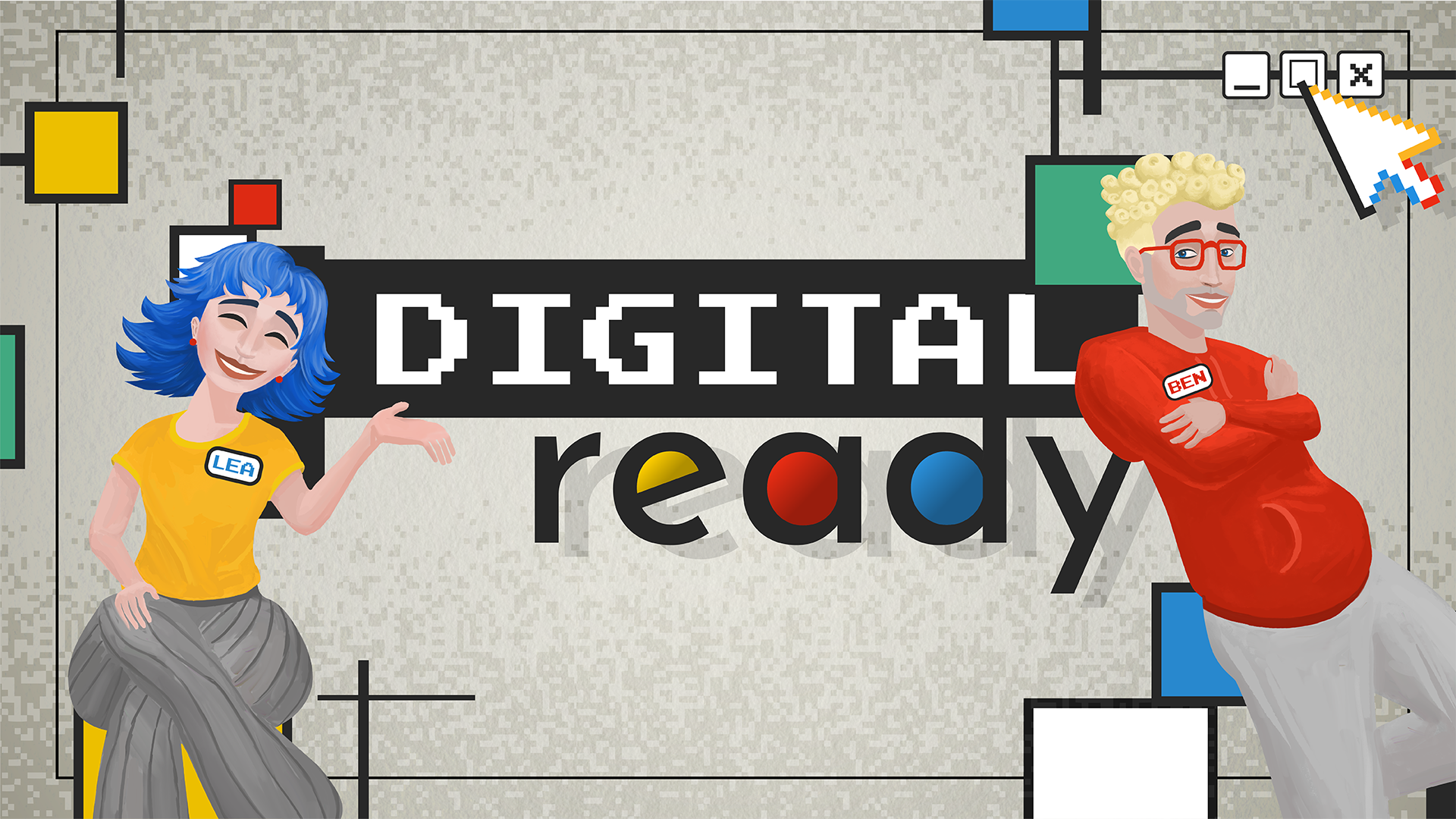
Welcome to “Lea & Ben – Next Step” – your interactive online course for everything you really need in the digital world.
Together with Lea and Ben, you’ll discover how to stay on top of things when emails, chats, and cloud folders start piling up. You’ll learn how to organize your digital workspace, tell fake news from real information, secure and protect your data, create designs that stand out – and collaborate seamlessly with your team, even if you’re a thousand miles apart.
5 lessons – 100% hands-on – 0% boredom.
Instead of dry theory, you’ll get real-life situations from Lea and Ben’s daily work, quick tasks you can apply right away, and tips that will help you succeed in your studies, career, and life.
Course content
The Digital Workplace: Order Instead of Chaos
Lea gets things organized! Files and folders are neatly structured, software is set up efficiently, backups are created, and passwords are securely managed. At the same time, the hardware is checked to ensure that laptops, memory, and other components meet the requirements. The result: a digital workplace that is efficient and well organized.
Research & Fact-Checking: Safely Through the Information Jungle
Ben guides you through the information jungle. Fake news, phishing emails, and unreliable sources are identified, trustworthy information is verified, and AI-generated results are critically assessed. This way, decisions are always based on solid facts.
Design & Impact: Content That Sticks
Lea shows how to create content that is clear, engaging, and easy to understand. Layout, grids, typography, colors, images, and animations are used strategically so that presentations and projects make an impact – and stay in people’s minds.
Web & Social Media: Placing Content the Right Way
Ben explains where content is best published – whether on a website, blog, or social media. Content is tailored to the target audience, user-friendly, and optimized for mobile devices. Opportunities and risks of the platforms are explained in a practical, hands-on way.
Digital Communication: Clear, Professional & Efficient
Lea and Ben demonstrate how emails, meeting notes, and information can be structured, secure, and easy to manage. Tools are used purposefully, and team communication is designed to be efficient – for smooth collaboration.
Learning goals
Learners will be able to…
1. Digital Workplace
- Organize their digital workspace effectively (folders, files, communication)
- Select and use hardware and software purposefully
- Secure data and manage passwords safely
2. Research & Fact-Checking
- Research reliable information effectively
- Evaluate sources for credibility and identify fake news
- Critically assess AI-generated results
3. Design & Impact
- Create content that is clear, appealing, and easy to understand
- Use layout, typography, colors, and animations strategically
- Use images legally
4. Web & Social Media
- Publish content appropriately for each platform (blog, website, social media)
- Apply basic rules for usability, structure, and mobile optimization
- Recognize opportunities and risks of digital publications
5. Digital Communication
- Write professional emails
- Document information and meeting notes in a structured way
-
Choose tools purposefully and manage digital communication efficiently
Prerequisites
- Basic knowledge in the fields of Office Management and Applied Computer Science, including:
- File and folder structures: creating, organizing, moving, and saving files
- Office applications: documents, spreadsheets, presentations
- Internet research: using search engines, evaluating sources, downloading content
- Digital communication: emails, attachments
- Data security and responsible handling of digital information
- Enjoyment in refreshing knowledge independently, practically, and concisely
- Basic technical understanding
Course schedule
Lessons
- The Digital Workplace: Order Instead of Chaos
- Research & Fact-Checking: Safely Through the Information Jungle
- Design & Impact: Content That Sticks
- Web & Social Media: Placing Content the Right Way
- Digital Communication: Clear, Professional & Efficient
All lessons are unlocked on the start date. In principle, it is possible to complete individual lessons and earn “badges.” The lessons are not sequential.
Certificate
For actively participating in the course you will receive an automatic certificate which includes your name, the course name as well as the completed lessons. We want to point out that this certificate merely confirms that you answered at least 75% of the self-assessment questions correctly.
Licence
This work by Alexandra Brabenetz is licenced under CC BY 4.0.
Course instructor

Martin Ebner
Priv.-Doz. DI Dr. techn. Martin Ebner teaches and conducts research as a qualified media computer scientist on topics related to technology-enhanced teaching and learning, often referred to as e-learning. Here, he focuses particularly on MOOCs, AI & learning analytics and is considered a leading advocate of open educational resources. In addition to participating in national and international committees, he is also very committed to (higher) education in Austria. In line with his motto ‘making education freely accessible’, he is one of the founding fathers of the iMooX platform. In addition to this project, he is also known in German-speaking countries for his textbook L3T, which was the first freely accessible textbook of its kind, as well as for numerous lectures on the subject.

Alexandra Brabenetz
Alexandra Brabenetz, BEd has been teaching at HLW Perg since 2018, focusing on digital skills, modern instructional design, and interactive learning. She is a professor in Applied Information Management and Personal Development and contributes to the school’s Digital & Lifestyle specialization. Alexandra holds a bachelor’s degree from PH Upper Austria and training as a certified Social and Vocational Educator, and she has completed advanced courses in Peer Tutoring and Peer Mediation. She also regularly teaches at the University of Teacher Education Upper Austria (Institute of Vocational Education). As a mother of two and passionate educator, she is dedicated to making learning engaging, creative, and digital. This MOOC was developed as part of her master’s thesis.
Partners
-

Graz University of Technology
-

University College of Teacher Education Upper Austria

This is what other participants particularly liked about this course
based on all 15 ratings of the course- Beautifully designed course
- Well-thought-out structure
- Concise videos
Ready to learn something new?